
👉 Check them out: https://cryptomachine.shop/ Today I install and test a LAN (Ethernet) mod on my NerdQaxe++ solo Bitcoin miner to see if wired internet actually improves latency and mining performance. We compare WiFi vs Ethernet ping times while mining to a local Bitcoin Cash node, and the results are exactly what you’d expect… but with some interesting real-world numbers. 💡 In this video: - Full LAN mod installation walkthrough - Firmware flashing guide (ESP32 / web flasher) - WiFi vs Ethernet latency comparison - Real mining test to local node - Is the upgrade worth it? Big thanks to Crypto Machine Shop for sending over the LAN mod! ⚡ Key Results: - WiFi latency: ~2.5–3 ms - Ethernet latency: ~1.5–1.6 ms - More stable connection + fewer packet drops 💭 My Take: If you’re serious about solo mining or running stable rigs, wired Ethernet is absolutely the way to go. 🔐 Self-Custody Matters Still storing your crypto on exchanges? That’s risky. Check out the Red Panda Tangem Card: ✔ No seed phrases ✔ Simple tap-to-use ✔ Secure offline chip Use code RPM for 10% off → https://tangem.com/?promocode=RPM 👍 Like & Subscribe for more crypto mining content! ⏱️ Chapters 00:00 Intro – LAN Mod for Nerd mQX++ 00:29 Why Use Ethernet Instead of WiFi? 00:45 Current WiFi Latency Test 01:06 LAN Mod Overview & Compatibility 02:00 Installing the LAN Adapter 03:21 Case & Hardware Setup 04:49 Connecting Ribbon Cable & Ethernet 05:34 Power On & First Test 06:21 Firmware Required (Doesn’t Work Yet) 06:55 Flashing ESP32 Firmware (Step-by-Step) 08:32 Firmware Installation Complete 09:22 Reinstall & Boot Up 09:52 Configuring Network Settings 10:20 Switching to Ethernet Mode 10:47 Ethernet Connection Success 11:09 Bitcoin Mining Test to Local Node 11:15 WiFi vs Ethernet Latency Results 12:04 Final Thoughts – Is It Worth It? 13:42 Red Panda Tangem Card (Self-Custody) #CryptoMining #BitcoinMining #SoloMining #NerdQX #MiningRig #Ethernet #CryptoTech #HomeMining #ESP32 #bitcoincash
Solo Mining Bitcoin Just Got BETTER! (WiFi vs Ethernet Test)
 4 days ago
 👉 Check them out: https://cryptomachine.shop/ Today I install and test a LAN (Ethernet) mod on my NerdQaxe++ solo Bitcoin miner to see if wired internet actually improves latency and mining performance. We compare WiFi vs Ethernet ping times while mining to a local Bitcoin Cash node, and the results are exactly what you’d expect… but with some interesting real-world numbers. 💡 In this video: - Full LAN mod installation walkthrough - Firmware flashing guide (ESP32 / web flasher) - WiFi vs Ethernet latency comparison - Real mining test to local node - Is the upgrade worth it? Big thanks to Crypto Machine Shop for sending over the LAN mod! ⚡ Key Results: - WiFi latency: ~2.5–3 ms - Ethernet latency: ~1.5–1.6 ms - More stable connection + fewer packet drops 💭 My Take: If you’re serious about solo mining or running stable rigs, wired Ethernet is absolutely the way to go. 🔐 Self-Custody Matters Still storing your crypto on exchanges? That’s risky. Check out the Red Panda Tangem Card: ✔ No seed phrases ✔ Simple tap-to-use ✔ Secure offline chip Use code RPM for 10% off → https://tangem.com/?promocode=RPM 👍 Like & Subscribe for more crypto mining content! ⏱️ Chapters 00:00 Intro – LAN Mod for Nerd mQX++ 00:29 Why Use Ethernet Instead of WiFi? 00:45 Current WiFi Latency Test 01:06 LAN Mod Overview & Compatibility 02:00 Installing the LAN Adapter 03:21 Case & Hardware Setup 04:49 Connecting Ribbon Cable & Ethernet 05:34 Power On & First Test 06:21 Firmware Required (Doesn’t Work Yet) 06:55 Flashing ESP32 Firmware (Step-by-Step) 08:32 Firmware Installation Complete 09:22 Reinstall & Boot Up 09:52 Configuring Network Settings 10:20 Switching to Ethernet Mode 10:47 Ethernet Connection Success 11:09 Bitcoin Mining Test to Local Node 11:15 WiFi vs Ethernet Latency Results 12:04 Final Thoughts – Is It Worth It? 13:42 Red Panda Tangem Card (Self-Custody) #CryptoMining #BitcoinMining #SoloMining #NerdQX #MiningRig #Ethernet #CryptoTech #HomeMining #ESP32 #bitcoincash
Related

My RTX 5090 is going on Vast.Ai... (Part 1)
34 minutes ago

Mondaze with BBT
17 hours ago

Great Times Ahead.
1 day ago
No Context BBT
4 days ago
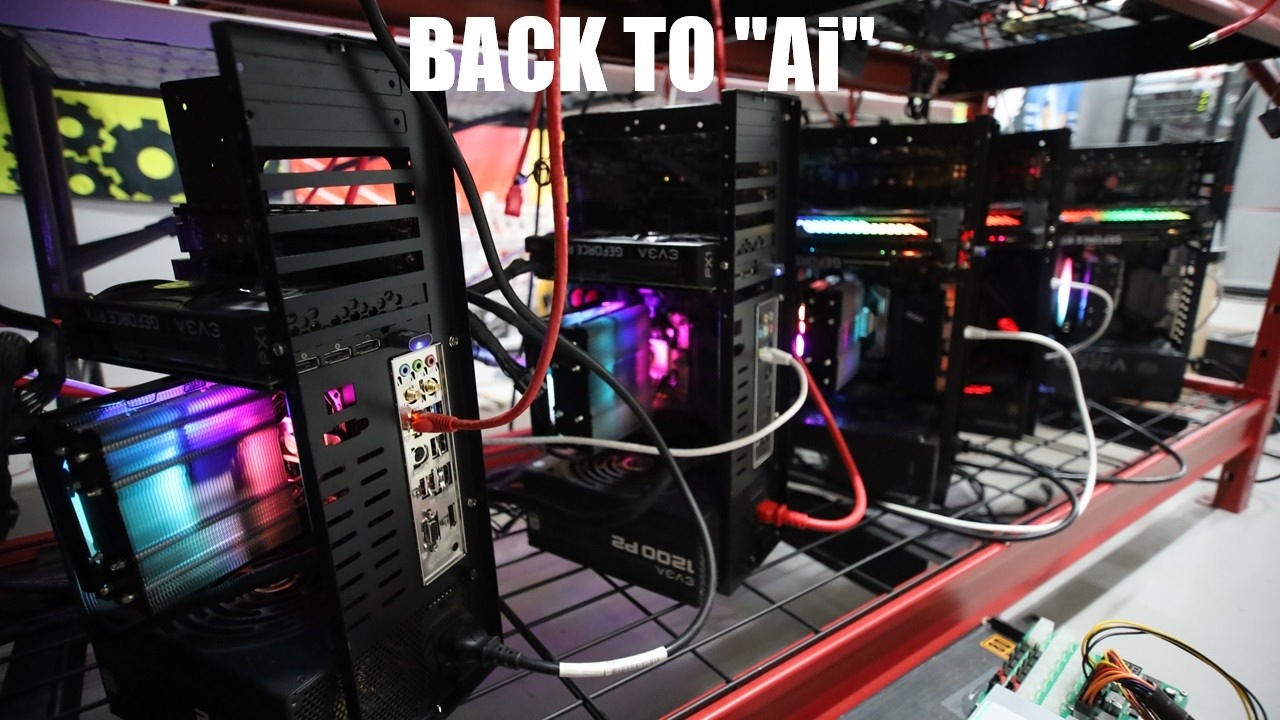
Rebuilding some of my GPU "Ai" Rigs LIVE!
5 days ago
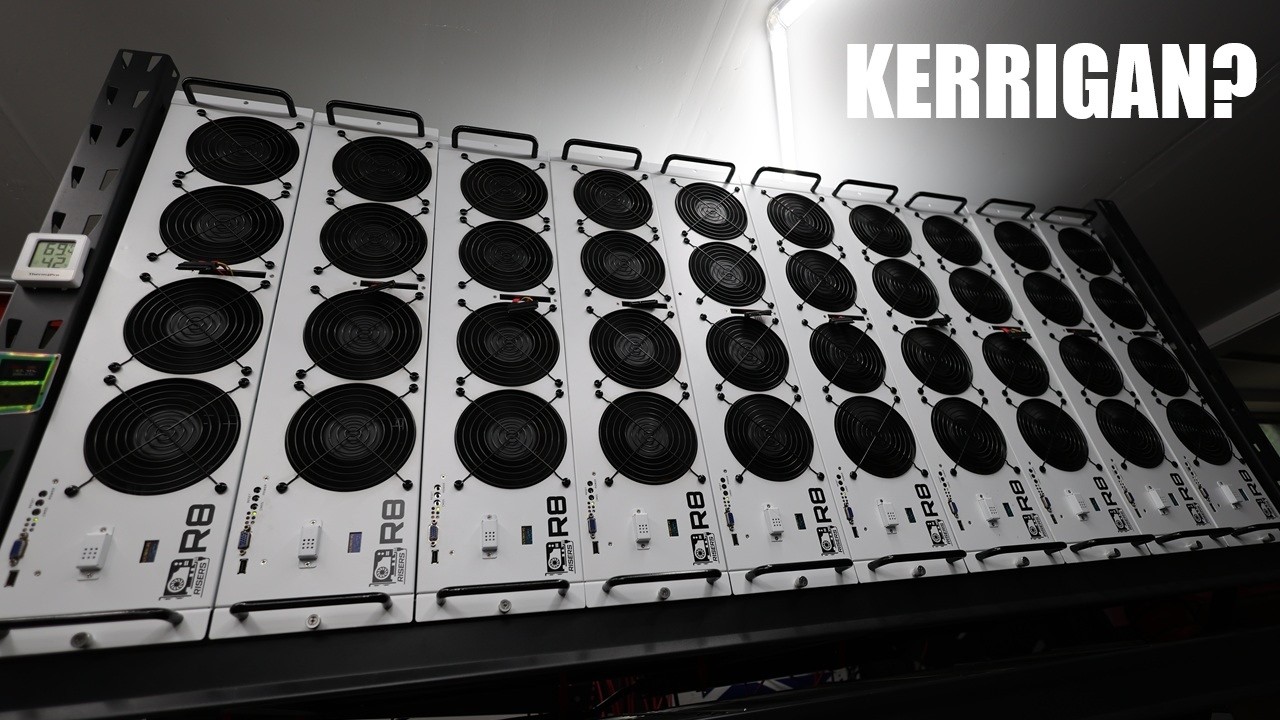

Friday Mining Hangout 🚀Ask RPM Anything!
6 days ago

Not many left!
6 days ago
Popular
Mondaze with BBT
17 hours ago
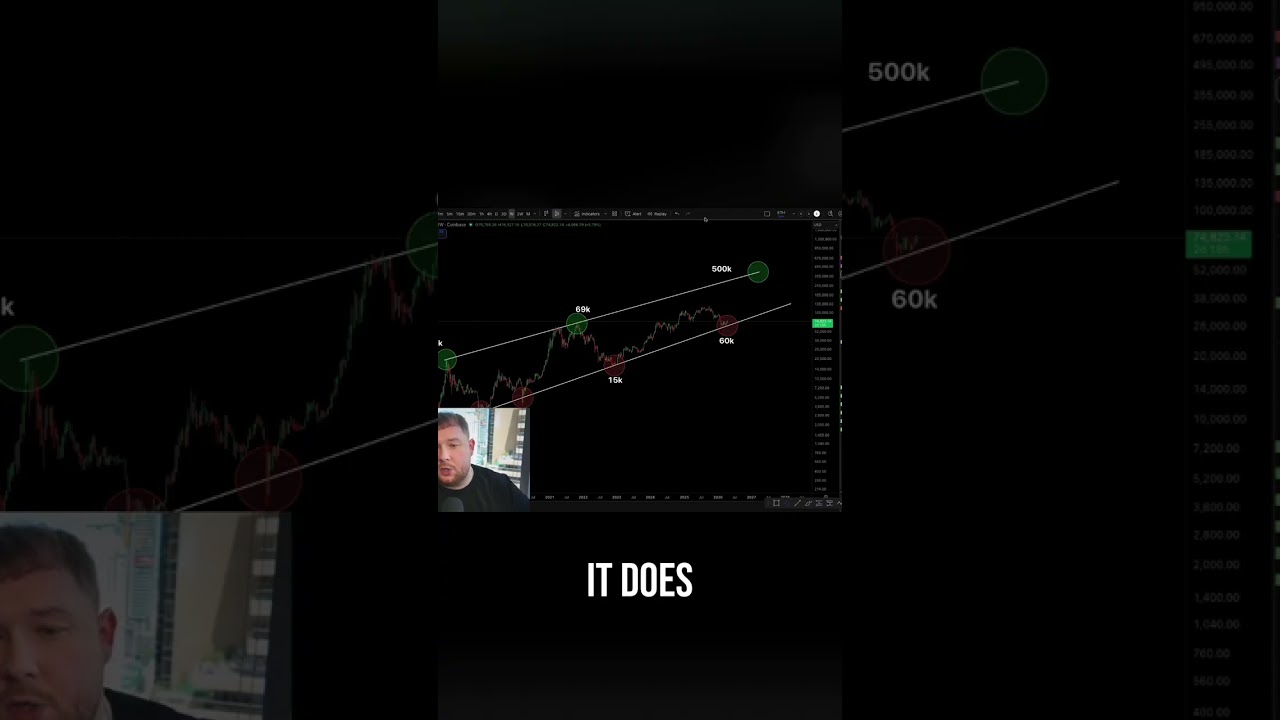

Bitcoin Bottom In? Cost of Production & EMA Signals
19 hours ago